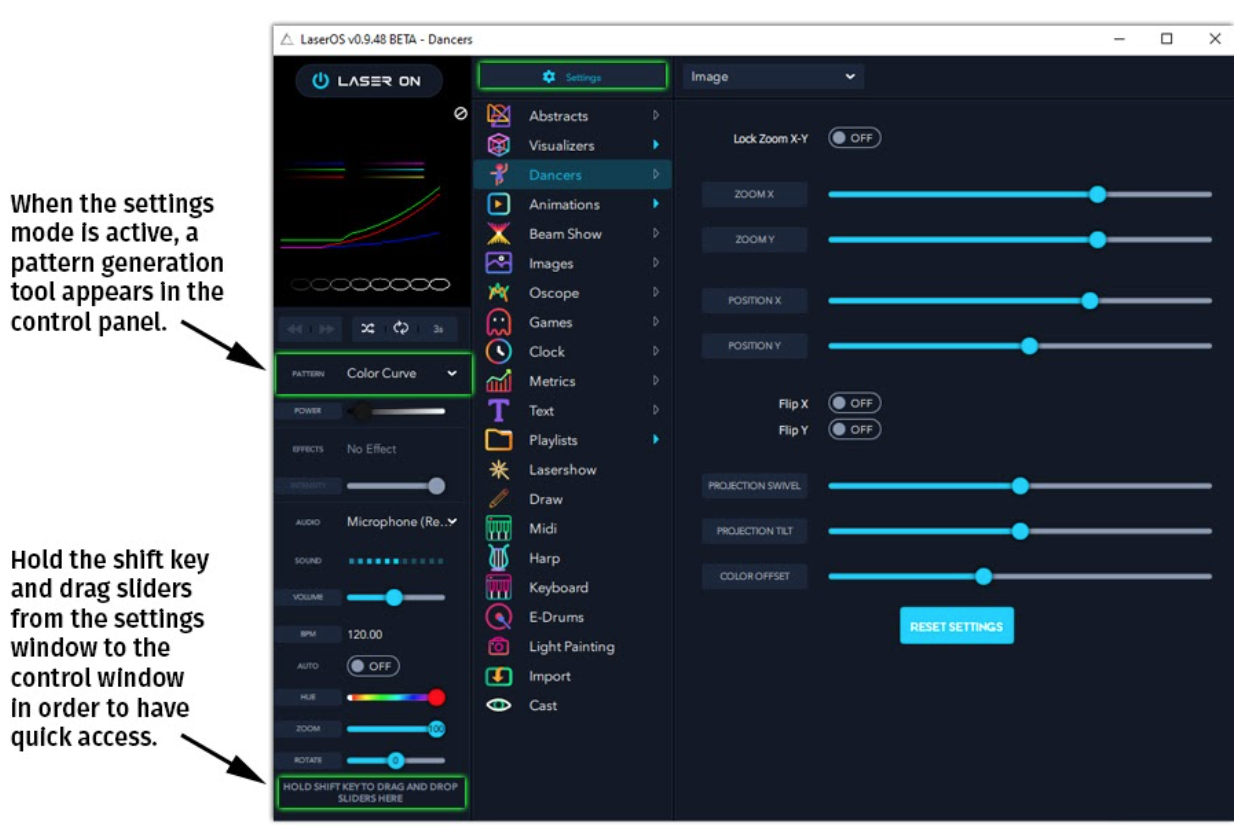
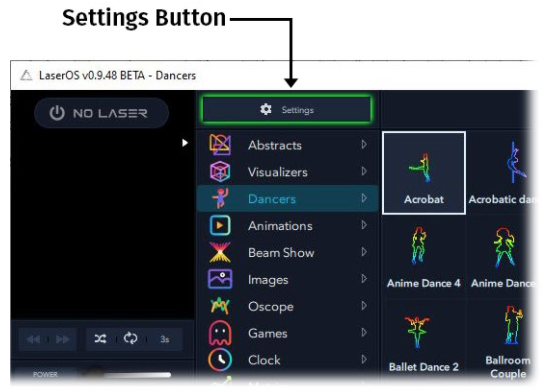
Enter the settings menu by clicking on the settings button above the apps panel. This toggles the main interface into “settings” mode. To exit settings mode, click on the settings button again.
When settings mode is activated, a twirl-down menu appears to the right of the settings button. The selection pael displays options for the current settings twirl-down selection.
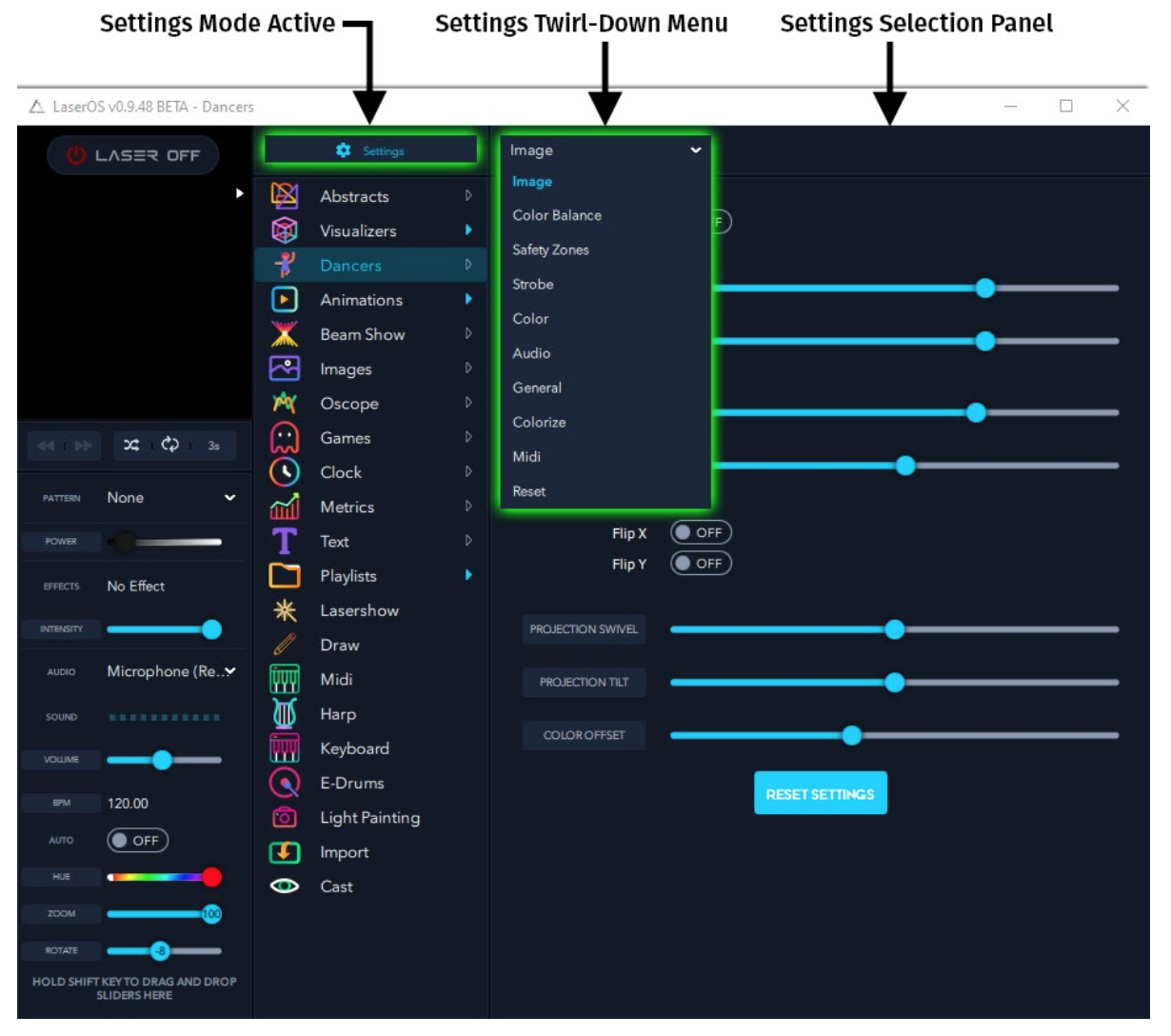
In settings mode, the twirl-down menu displays options for Image, Color Balance, Safety Zones, Strobe, Color, Audio, General, Colorize, Midi, and Reset.